Instagram Is Not Your Photo Album — Stop Treating It Like One

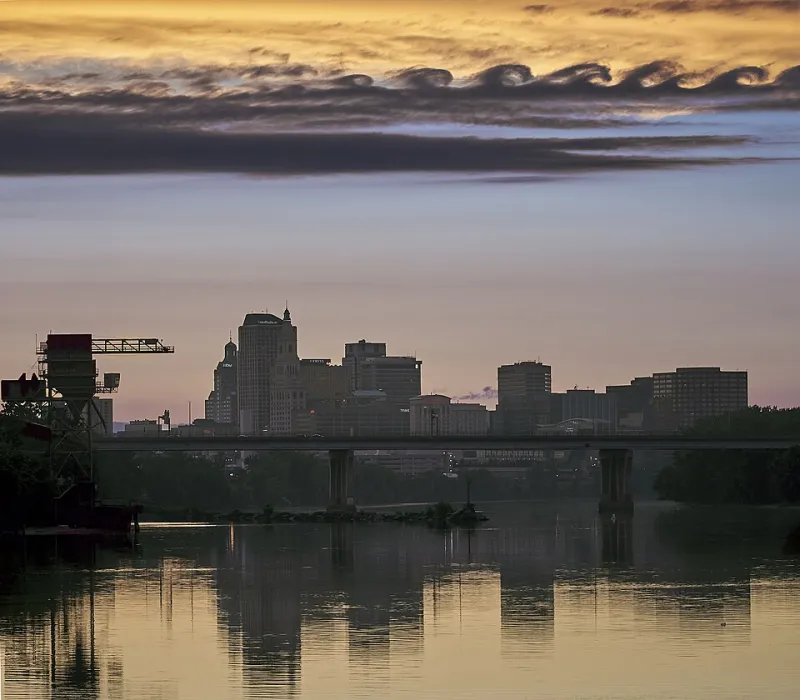
Photo: Krzysztof Popławski, CC BY-SA 4.0, via Wikimedia Commons
Let's be honest about something most of us don't want to admit: we've gotten lazy about our photo archives. Not lazy in the sense that we're not taking pictures — Americans are snapping more photos than ever. Lazy in the sense that we've quietly decided that posting to Instagram counts as preserving a memory.
It doesn't. Not even close.
The Illusion of Preservation
Social media is incredibly good at making you feel like your memories are safe. You posted a photo from your sister's wedding, it got 200 likes, it's sitting right there in your profile grid — what's the problem?
The problem is that what Instagram holds is not your photo. It's a compressed, algorithmically processed version of your photo, stored on a server you have no control over, under terms of service you agreed to without reading, accessible only as long as your account exists and the platform continues to operate.
Instagram compresses images significantly on upload. The vibrant, high-resolution JPEG you shot on your iPhone is not what lives on their servers. A degraded copy lives there. If you ever tried to download your data from Instagram and were surprised by how low-quality the images looked, that's why.
TikTok is even less of an archive — video quality is heavily compressed, and the platform's long-term accessibility for US users has been anything but certain. Treating either platform as a backup strategy is a little like keeping your important documents in a stranger's glove compartment.
What Social Media Actually Is (And Isn't)
Here's the thing: Instagram, TikTok, and Facebook are distribution platforms. Their entire design philosophy is built around surfacing content to audiences, not preserving content for creators. Every feature — the algorithm, the feed, the Stories format that disappears after 24 hours — is oriented toward engagement, not archival integrity.
When you upload a photo to Instagram, you're publishing it. You're not backing it up. Those are fundamentally different actions with fundamentally different outcomes.
A genuine photo archive is:
- High-resolution and losslessly stored
- Organized in a way you control
- Accessible without a third-party platform's permission
- Not subject to account bans, platform shutdowns, or policy changes
Your Instagram grid is none of those things.
The Account Ban Problem Is More Common Than You Think
Every year, thousands of Americans lose access to their social media accounts — and with them, years of photos. Sometimes it's a hacking incident. Sometimes it's an automated content moderation mistake. Sometimes it's a terms of service violation that feels arbitrary and comes without warning.
Meta has a notoriously difficult account recovery process. If you get locked out of your Instagram account and can't verify your identity to their satisfaction, those photos may simply be gone — or at least inaccessible to you indefinitely. You have no legal right to that content in any meaningful practical sense, even if you created every single image.
This isn't a hypothetical scare tactic. It happens constantly, to real people, including professional photographers and content creators who built entire careers on these platforms. The difference between them and you is that the stakes are different — but the vulnerability is the same.
The Compression Problem Goes Deeper Than You Realize
Let's talk about what you're actually losing when Instagram compresses your photos. A typical iPhone 15 Pro photo might be 15–25 MB in its native HEIC format. After Instagram processes it, you're looking at a fraction of that — often under 1 MB, with visible artifacts if you zoom in.
For casual scrolling, that's fine. For printing a canvas of your kid's first birthday? It's a disaster. For preserving a photo of a grandparent who's no longer with you? The difference between the original and the Instagram copy might be the difference between a beautiful print and a blurry disappointment.
The original file, with its full resolution and metadata, is the real photograph. The Instagram post is a promotional thumbnail of it.
Separating Sharing from Saving
The solution isn't to stop using social media for photos — that ship has sailed, and honestly, sharing photos with your community is one of the genuine joys of modern life. The solution is to stop conflating sharing with saving.
Think of it this way: when you post a photo to Instagram, you're putting a copy of it in the window display. You still need to keep the original in the back room. Here's how to make that separation real:
Build a separate archiving habit. Every time you post a photo to social media, also upload the original to a dedicated photo storage platform or cloud service. Make it part of your routine, not an afterthought.
Use a platform built for preservation. Services designed specifically for photo storage — including platforms like PictureUpload — prioritize keeping your originals intact, organized, and accessible. That's a different product with a different purpose than Instagram.
Organize as you go. The reason social media feels like a sufficient archive is partly because it's organized by default — chronologically, by post. A real archive needs intentional organization: albums, tags, events. It takes more effort upfront, but it pays off enormously over time.
Download your data periodically. Both Instagram and Facebook allow you to request a data download. It's not a perfect archive, but it's better than nothing. Do it once a year at minimum.
Keep your originals on multiple storage locations. The original files should live in at least two places: a cloud photo service and either a local hard drive or a secondary cloud backup. Redundancy is the foundation of any real preservation strategy.
The Memories You'll Wish You Had
The photos that matter most aren't usually the ones you posted. They're the candid shots from a family reunion, the quiet moment before the ceremony, the silly face your toddler made that you only sort of captured. Those are the images that deserve a real home — not a compressed thumbnail buried under three years of algorithm updates.
Social media is a wonderful tool for connection. It was never meant to be a time capsule. The sooner you separate those two functions in your mind, the better shape your photo archive — and your future self — will be.