Every Photo You Share Is Talking — Here's What It's Saying About You
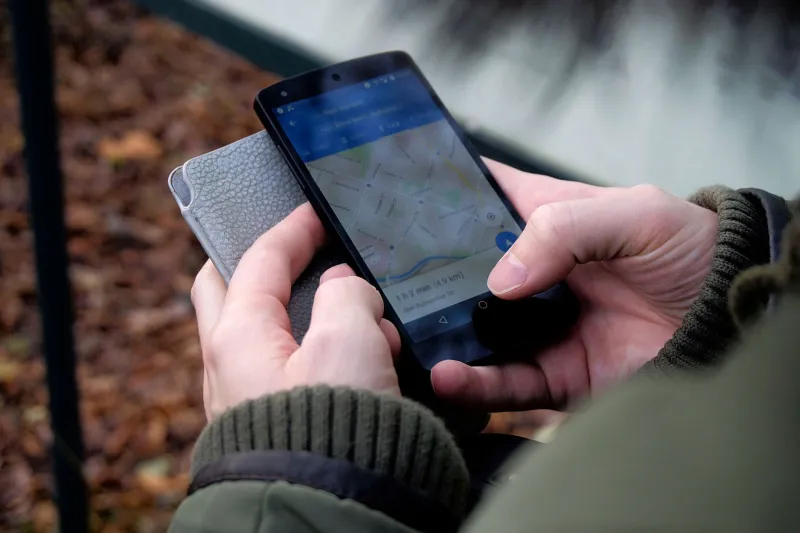
You snapped a great photo, uploaded it to your favorite platform, and moved on with your day. Simple enough, right? Except that image didn't travel alone. Tucked inside the file was a quiet passenger — a bundle of data you never typed, never chose to share, and probably never thought about. It went along for the ride anyway.
This hidden layer is called metadata, and for anyone who regularly uploads photos online, it's worth understanding what it contains, why it matters, and what you can actually do about it.
What Exactly Is Photo Metadata?
Every digital photo — whether it came from a DSLR, a mirrorless camera, or the latest iPhone — is more than just pixels. Embedded within the image file is a structured set of data called EXIF (Exchangeable Image File Format) information. Think of it as a detailed receipt automatically generated every time you take a picture.
That receipt can include:
- GPS coordinates — often precise to within a few feet of where you were standing
- Timestamps — the exact date and time the photo was taken
- Device information — the make, model, and sometimes the serial number of your camera or phone
- Camera settings — aperture, shutter speed, ISO, focal length
- Software data — what editing apps you used and when
- Altitude — yes, really
Some of that information is genuinely useful. Photographers love EXIF data for reviewing their technique and organizing shoots by date. But for the average person uploading photos to share with friends, family, or the broader internet, a lot of this data is simply broadcasting details you'd probably rather keep private.
The GPS Problem Is Bigger Than You Think
Location data is where metadata gets genuinely serious. Most modern smartphones have GPS tagging turned on by default for the camera app. That means every photo you take is stamped with coordinates — and when you upload that image without stripping the location data, those coordinates go with it.
Consider a few real-world scenarios:
You photograph your kids in the backyard. The metadata shows your home address with pinpoint accuracy. Anyone who downloads that image can pull those coordinates and map your exact location.
You snap a photo at your workplace. Now your employer, clients, or anyone else can verify where you spend your days — or confirm whether you were actually at the office.
You share a photo from a hotel room during a trip. The metadata tells anyone paying attention that you're currently away from home. That's information burglars find very useful.
None of this requires any hacking skill. Free tools and websites can read EXIF data from any image in seconds. It's not a niche vulnerability — it's just how photos work, and most people have no idea.
Who Should Be Most Concerned?
Honestly, everyone who uploads photos publicly should at least be aware of this. But certain groups have more immediate reasons to pay attention.
Parents sharing photos of their children online are essentially creating a location trail tied to their kids' daily routines — school pickups, parks, sports fields, home. That's a lot of information to hand over without realizing it.
People in sensitive situations — those dealing with stalking, domestic disputes, or anyone who's moved to a new location for safety reasons — face real risks if their photos reveal where they are.
Small business owners and freelancers who share portfolio images may be inadvertently revealing their home address if they shoot from a home studio.
Travelers posting real-time vacation updates are combining two risky habits: announcing they're away from home while tagging the exact location of where they currently are.
How to Check What's Inside Your Photos
Before you can manage metadata, you need to see it. Here are a few simple ways to peek inside your image files:
On a Mac: Right-click the image, select Get Info, and look under the More Info section. For more detail, open the image in Preview and go to Tools > Show Inspector.
On Windows: Right-click the image file, choose Properties, then click the Details tab. You'll find GPS coordinates, camera info, and timestamps right there.
On iPhone: Apps like Metapho or Exif Metadata let you view and strip location data directly from your camera roll before sharing.
Online tools: Sites like Jeffrey's Exif Viewer let you upload an image and see the full metadata breakdown in a readable format.
Once you know what's there, you can decide what to do about it.
Stripping Metadata Before You Upload
Removing EXIF data doesn't require technical expertise. There are several straightforward options depending on your setup.
Windows built-in tool: In the same Properties > Details tab where you viewed the data, there's a link at the bottom that says Remove Properties and Personal Information. Click it, choose what to strip, and you're done.
Mac Photos app: Exporting a photo with location data removed is as simple as going to File > Export and unchecking the Location Information box.
Adobe Lightroom and Photoshop: Both offer export options that let you control exactly what metadata leaves with your image. Lightroom's export dialog has a dedicated metadata section where you can limit output to copyright info only.
Batch tools: If you regularly upload large volumes of photos, apps like ExifTool (free, command-line based) or ImageOptim (Mac) can process entire folders at once.
Turn off GPS tagging at the source: The most efficient fix is preventing the data from being recorded in the first place. On iPhone, go to Settings > Privacy & Security > Location Services > Camera and set it to Never or Ask Next Time. Android users can find similar settings within the Camera app itself under location tags.
What Platforms Actually Do With Your Metadata
Here's something worth knowing: many major social platforms — Instagram, Facebook, X — automatically strip most EXIF data when you upload, particularly GPS coordinates. That's reassuring for casual social sharing.
But not every platform does this, and even the ones that do may retain the data internally while removing it from public view. Direct image sharing — sending a photo via email, uploading to a cloud storage folder, or sharing a direct download link — typically preserves all metadata intact.
When you're uploading to a cloud photo service for storage or sharing with specific people, it's worth assuming the metadata is going along for the ride unless you've explicitly removed it.
Finding the Right Balance
None of this means you need to become paranoid about every photo you upload. Metadata serves real purposes — timestamps help you organize memories chronologically, location data can be genuinely useful for remembering where a photo was taken, and camera settings help photographers learn and improve.
The goal isn't to eliminate metadata entirely — it's to make conscious choices about what leaves your device and what stays private. A photo you're uploading to a locked family album is different from one going into a public gallery. A shot taken at a public landmark is different from one taken in your living room.
Take a few minutes to review your camera settings, learn how to check your files before uploading, and get comfortable with the export options in whatever tools you use. It's a small investment of time that pays off in a much more intentional approach to sharing — and a lot fewer details quietly broadcasting themselves to anyone who knows where to look.